LinkedIn and professional profiles
Producing several polished portrait options when a conventional studio session is inconvenient.
Independent tool overview
HeadshotPro is an active AI headshot service for individuals and organizations that turns uploaded selfies into batches of professional-looking portraits. Individual packages are one-time purchases from $29 to $59, while teams buy per-person credits and enterprises receive custom terms. It can reduce scheduling and visual-consistency work, but every result still needs a careful likeness, disclosure, consent, and context review before publication.
Visit the official HeadshotPro site ↗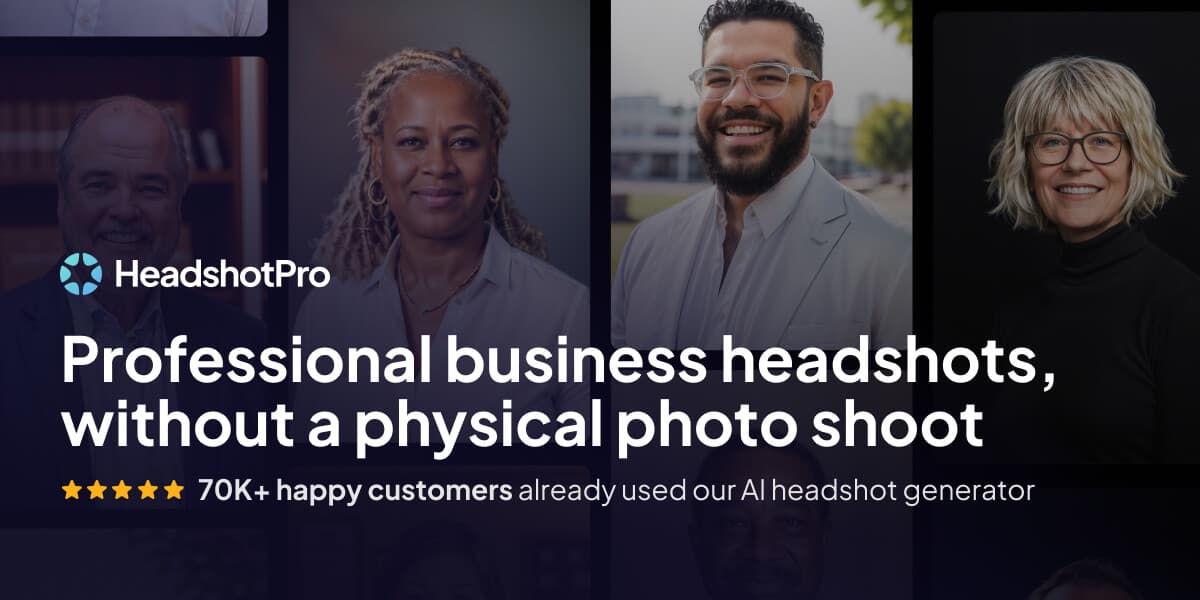
Overview
HeadshotPro creates professional-style portraits from a few user-supplied selfies. Individuals choose styles and receive 30, 50, or 70 generated images; team administrators can instead define shared backdrops and clothing pools before inviting members.
The service is designed for LinkedIn profiles, company directories, speaker bios, sales materials, and other low-risk professional presentation. It is not a replacement for an accurate documentary photograph in identity, legal, security, medical, or evidentiary settings.
Its team product adds invitations, reminders, bulk operations, status exports, organization roles, API access, webhooks, Zapier, and optional identity controls. Those features make consent, access control, deletion, and approval policies more important, not less.
HeadshotPro says uploaded photos are not used to train AI, are encrypted, and are automatically deleted 30 days after generation. These are current vendor claims; organizations should request and review the available security report, DPA, subprocessor list, and contract rather than treating a marketing summary as an independent audit.
Pricing and guarantee language can change. The current refund page limits self-service eligibility to purchases made less than 14 days earlier when no completed photos have been downloaded, despite broader guarantee language elsewhere on the site. Read the live terms before purchasing.
Use cases
The strongest fit depends on the job you need the product to complete, not the size of its feature list.
Producing several polished portrait options when a conventional studio session is inconvenient.
Creating a visually consistent directory across employees who cannot attend one physical photoshoot.
Keeping a shared style available for new hires through non-expiring team credits.
Generating publication-ready candidates when the subject approves both likeness and presentation.
Testing coordinated backgrounds, outfits, crops, and branded profile-picture treatments.
Tracking invitations, completion, approvals, and bulk downloads from an administrative workspace.
Connecting invitations and asset retrieval through the documented API, webhooks, or Zapier after a security review.
Learn by doing
Explore the latest step-by-step AI guides from The Rundown University.
Capabilities
Turns a small set of reference selfies into a larger selection of professional-style portraits.
Offers many backdrop and outfit combinations or an automatic selection option.
Generates 30, 50, or 70 headshots for individual buyers, depending on package.
Includes credits that can be used for edits, backdrop changes, outfit swaps, or additional generations.
Delivers JPEGs at standard or premium resolution, with 4K downloads listed for the Executive package.
Professional and Executive packages list both orientations.
Lets administrators curate shared backdrops and clothing so member results follow one visual direction.
Supports email invites, restricted links, automatic reminders, and completion tracking.
Provides bulk upload and download, CSV status exports, roles, subteams, and results review.
Team features include custom backdrops, image sizes, logo templates, and some custom outfit options by plan.
The current V2 API can manage organizations, invites, teams, members, credits, and generated photos.
Supports workflow automation around team headshot operations.
Offers admin MFA plus optional SSO; enterprise materials also describe JIT and SCIM provisioning.
Makes a DPA and SOC 2 Type II report available through its Trust Center, according to the vendor.
States that uploads are deleted after 30 days and offers optional team result deletion on that schedule.
Process
Step 1
Decide where the headshot will appear and whether an AI-generated image is appropriate for that audience.
Step 2
Use only your own face or obtain explicit permission from the subject; teams should offer a conventional-photo alternative.
Step 3
Check the current privacy policy, retention schedule, subprocessors, contract, and applicable workplace or biometric rules.
Step 4
Start with the smallest option that can test likeness and style before a broad organizational rollout.
Step 5
Use clear, recent images with varied angles and lighting and without other people, sensitive documents, or unnecessary metadata.
Step 6
Avoid uniforms, locations, insignia, credentials, or occupational signals the subject does not actually hold.
Step 7
Upload the approved references, choose styles, and wait for the service to produce the batch.
Step 8
Check face shape, age, skin tone, hair, eyes, teeth, ears, glasses, jewelry, hands, clothing, reflections, shadows, text, and logos.
Step 9
Discard outputs that alter protected characteristics, disability markers, cultural or religious signifiers, body shape, or other identity-relevant details.
Step 10
Spend included credits or use an eligible redo only after identifying specific, correctable problems.
Step 11
Have both the pictured person and an authorized human reviewer approve the exact final image.
Step 12
Save approved files before links expire, record consent and intended uses, and disclose AI generation when context calls for it.
Step 13
Remove unnecessary uploads and outputs, revoke access when roles change, and review the live service terms before future shoots.
Cost
HeadshotPro sells one-time individual packages, per-person team credits, and custom enterprise arrangements. There is no individual subscription. Prices, discounts, taxes, guarantee eligibility, and add-ons should be confirmed at checkout.
$29 one time
Entry package for one person with slower delivery and no included redo.
$39 one time
Mid-tier individual package with more images, faster processing, and one redo.
$59 one time
Highest individual package with the largest batch, priority delivery, and 4K output.
Advertised from $19.50 per shoot
Credit-based purchase for organizations with one member shoot per credit and no recurring seat fee.
Custom quote
Sales-led arrangement for 1,000 or more people and organizations needing procurement and rollout support.
Pricing checked . Check current pricing at the source ↗
Assessment
Compare
The right alternative depends on the specific output, workflow, controls and budget your project requires.
Content Creator
A simpler HeadshotPro-made custom GPT for creating stylized avatars rather than a full professional headshot workflow.
Explore Avatar Maker by HeadshotPro →Business Operations
A general image-generation option for experiments, but without HeadshotPro's specialist team rollout and shared-style controls.
Explore ChatGPT →Design
Better suited when the main need is designing and formatting a profile asset inside a broader visual-content workflow.
Explore Canva AI →Design
A broader creative image platform for teams already working in Adobe rather than a dedicated selfie-to-headshot service.
Explore Adobe Firefly →Design
A general image generator useful for art-directed portraits and graphics, with more manual prompting and consistency work.
Explore Ideogram →Questions
HeadshotPro is an active web service that converts a few selfies into batches of AI-generated professional-style portraits for individuals and company teams.
As checked August 31, 2026, individual packages cost $29, $39, or $59 as one-time purchases. Team credits and enterprise arrangements use separate pricing.
No recurring individual subscription is listed. Teams buy credits, and the vendor says those credits do not expire; optional services such as SSO can add cost.
Individual packages list 30, 50, or 70 headshots. The current team plan lists 40 headshots per member shoot.
The pricing page estimates about two hours for Basic, 30 minutes for Professional, 15 minutes for Executive, and under 30 minutes for team shoots. These are vendor estimates, not guaranteed completion times.
It advertises a Realism Guarantee. The current refund page says self-service refunds require that no completed photo has been downloaded and that fewer than 14 days have passed since payment. Read the live terms before buying.
Professional and Executive list one free redo within 14 days. Basic does not list an included redo, though additional editing credits may be purchasable.
HeadshotPro states that uploads are never used to train, fine-tune, or improve AI models. This review did not independently verify its internal processing.
The current pricing and security pages state that uploaded photos are automatically deleted 30 days after generation. The pricing FAQ also says download links for kept photos last seven days.
It publishes security and privacy materials and offers a SOC 2 Type II report and DPA through its Trust Center. A company should still run its own legal, security, privacy, and employment review before rollout.
Yes. Team administrators can curate shared styles, invite members, monitor completion, review results, and download assets in bulk.
Yes. Its current V2 API documents organization, invitation, team, member, credit, photo, and whitelabel workflows, along with webhooks.
No. AI-generated portraits should not be used where an accurate current photograph is required, including government IDs, security credentials, KYC, evidence, or background checks.
Disclosure expectations depend on context. Labeling is prudent when audiences could reasonably mistake the image for an unedited documentary photo or when trust, credentials, or public representation matter.
Confirm the subject's consent and likeness, then inspect identity details, attire, credentials, background, lighting, text, logos, reflections, and common facial or hand artifacts. Have the subject approve the exact final file.
Bottom line
HeadshotPro is a practical specialist for inexpensive individual portraits and consistent remote-team directories, with unusually clear package comparisons and useful administrative controls. Its value depends on rigorous human approval: generated headshots can alter likeness or imply things that are not true, and the refund, retention, consent, and security details deserve review before purchase or rollout. Use it for presentation, not proof of identity.
Visit HeadshotPro website ↗
Get access to all our AI courses, hundreds of real-world AI use cases, live expert-led workshops, an exclusive network of AI early adopters, and more.
Get unlimited access to all of our current & upcoming industry-specific AI courses for the duration of your subscription.
To keep up with the rapid pace of AI, our team publishes AI implementation guides daily. Our library contains 300+ practical use cases to automate real-world work.
Join weekly, live, interactive sessions with industry leaders who are at the forefront of AI for hands-on implementation guidance and exclusive insights.
Network with an exclusive community of AI-first professionals who are working smarter with AI. Learn how early adopters are using AI in their work and businesses.


-min.png)
