Short concept footage
Create cinematic shots, mood exploration, previsualization, and visual pitches before committing to a production shoot.
Independent tool overview
Veo 3.1 is Google's current AI video model family for generating short clips with native audio from text, images, and guided video inputs. It is available through consumer products such as Gemini, Flow, Google Vids, and YouTube tools, plus the Gemini API and Vertex AI for developers and businesses.
Visit the official Veo 3.1 site ↗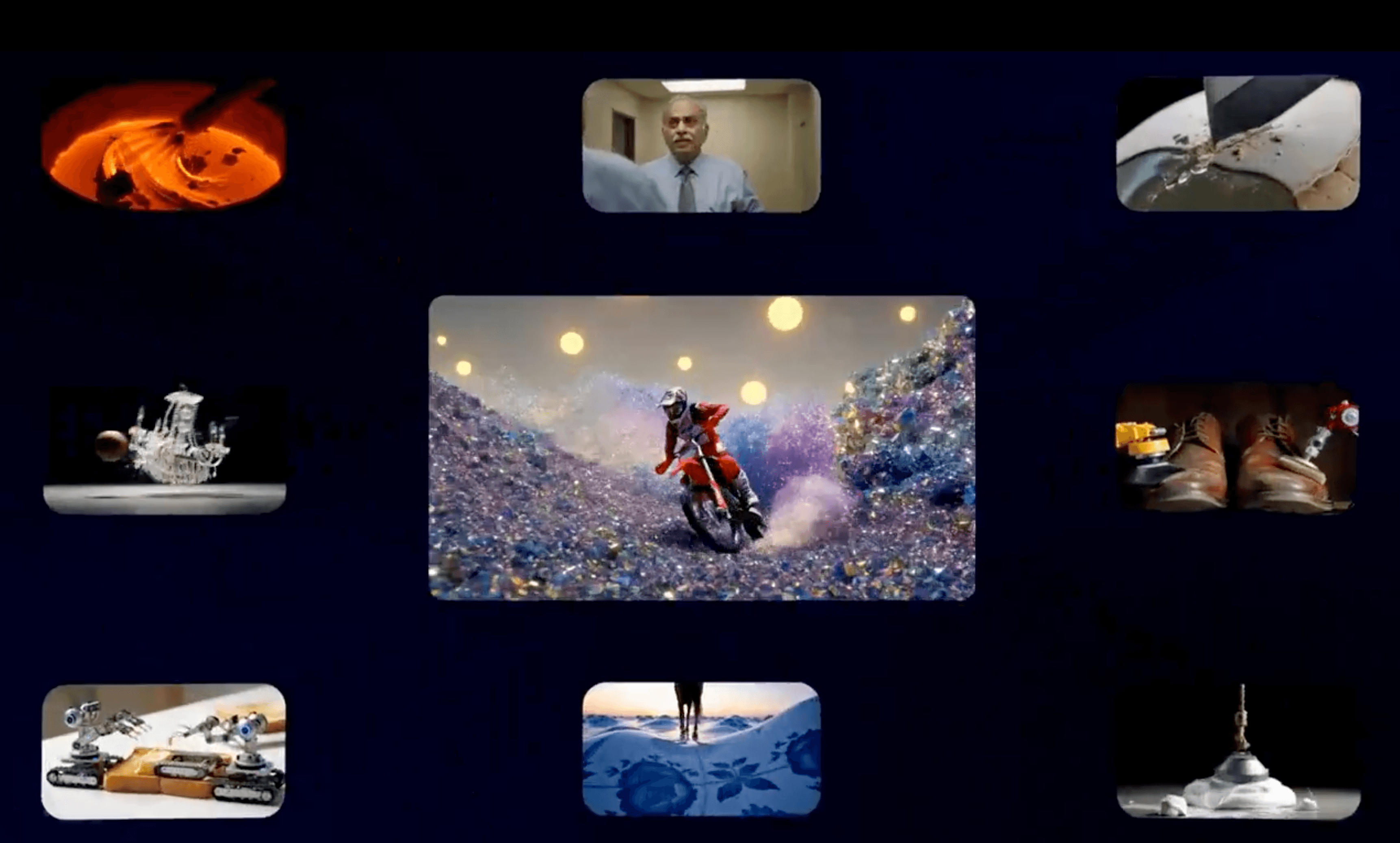
Overview
Veo 3.1 is designed for short, directed video creation rather than full timeline editing. The standard and Fast models can generate 4-, 6-, or 8-second clips at 24 frames per second with synchronized audio, using text-to-video, image-to-video, or video-to-video inputs. Higher-resolution and reference-image workflows often require an 8-second duration.
The model family adds practical controls beyond a single prompt. Creators can set first and last frames, provide reference or 'ingredient' images for character and scene consistency, extend supported videos, and generate native 16:9 or 9:16 output. Google also offers Veo 3.1 Lite for lower-cost, high-volume text-to-video and image-to-video work.
Veo 3.1 is still listed as preview in the Gemini API. Outputs can contain continuity, dialogue, text, physics, or identity errors, and the short clip limit means longer stories require planning, generation, selection, and editing outside the model. Google embeds SynthID in generated videos, but teams should still disclose synthetic media when context or policy calls for it.
Use cases
The strongest fit depends on the job you need the product to complete, not the size of its feature list.
Create cinematic shots, mood exploration, previsualization, and visual pitches before committing to a production shoot.
Generate native vertical 9:16 clips for Shorts and other mobile-first formats instead of cropping landscape footage.
Use character, object, style, or scene images to improve consistency across a controlled set of short clips.
Build generation workflows through the Gemini API or Vertex AI, choosing Standard, Fast, or Lite based on fidelity, latency, and cost.
Learn by doing
Explore the latest step-by-step AI guides from The Rundown University.
Capabilities
Generates a short scene from a written prompt describing subject, action, setting, visual treatment, camera movement, and audio.
Animates a supplied image while following motion, camera, and sound direction from the prompt.
Produces sound with the video, including ambience, effects, music, and spoken dialogue when the request and policy allow it.
Combines reference images to guide characters, objects, styles, and backgrounds, with updates aimed at stronger identity and scene consistency.
Lets supported workflows specify how a clip begins and ends, giving creators more control over transitions and planned motion.
Can continue compatible Veo footage beyond its existing endpoint, although supported resolution and duration combinations are constrained.
Supports 16:9 and native 9:16 generation, including mobile-first Ingredients to Video workflows.
Offers different cost and capability profiles for quality-focused work, faster production, or economical high-volume generation.
Google embeds an imperceptible SynthID watermark in videos generated by its tools and offers verification in the Gemini app.
Process
Step 1
Write a compact shot brief with subject, action, environment, framing, camera movement, lighting, dialogue, sound, and aspect ratio.
Step 2
Use Standard when fidelity matters, Fast when iteration speed and cost matter, or Lite for high-volume text and image animation without advanced video-to-video controls.
Step 3
Supply clean character or object images and use first and last frames when continuity matters more than unconstrained creativity.
Step 4
Iterate cheaply at 720p before paying for 1080p or 4K output, especially when only one result is returned per Gemini API request.
Step 5
Check identity, anatomy, lip synchronization, object permanence, text, physics, background continuity, and audio artifacts.
Step 6
Assemble selected clips in a timeline editor, add licensed sound or captions as needed, and apply appropriate synthetic-media labels and approvals.
Cost
The Gemini API has no free tier for Veo 3.1. Paid pricing is per generated second: Standard costs $0.40 at 720p or 1080p and $0.60 at 4K; Fast costs $0.10 at 720p, $0.12 at 1080p, and $0.30 at 4K; Lite costs $0.05 at 720p and $0.08 at 1080p, with no 4K output. An 8-second 720p clip therefore costs $3.20 Standard, $0.80 Fast, or $0.40 Lite before any surrounding platform costs. Google says failed generations caused by audio-processing issues are not charged. Consumer allowances vary by product and plan; Google Vids currently gives personal Google accounts 10 video generations per month at no cost.
10 generations/month at no cost
A low-friction way for personal Google accounts to create clips inside Google Vids.
$0.40–$0.60 per second
Quality-focused paid API generation with audio.
$0.10–$0.30 per second
Faster, lower-cost paid generation for iteration and production workflows.
$0.05–$0.08 per second
The most economical Veo 3.1 developer variant for text-to-video and image-to-video.
Pricing checked . Check current pricing at the source ↗
Assessment
Compare
The right alternative depends on the specific output, workflow, controls and budget your project requires.
Content Creator
Consider Runway for an integrated creative suite with generation, editing, and production controls around its current video models.
Explore Runway Gen-4.5 →Content Creator
Consider Kling for another audio-video model family with strong creator workflows and newer 3.0 variants to compare.
Explore Kling 2.6 →Content Creator
Consider Hailuo for consumer-friendly image-to-video and text-to-video experimentation across MiniMax models.
Explore Hailuo AI →Content Creator
Consider LTX Studio when storyboarding, shot planning, timelines, and assembling a longer narrative matter more than a standalone model endpoint.
Explore LTX Studio →Questions
Veo 3.1 is Google's AI video model family for generating short clips with native audio from text, images, and supported video inputs. It is available in several Google products and through the Gemini API and Vertex AI.
As of August 29, 2026, Standard costs $0.40 per second at 720p or 1080p and $0.60 at 4K. Fast costs $0.10, $0.12, or $0.30 per second at 720p, 1080p, or 4K. Lite costs $0.05 at 720p and $0.08 at 1080p. There is no free Gemini API tier for Veo 3.1.
Yes. Standard, Fast, and Lite generate video with audio, including supported dialogue, ambience, effects, and music. Audio and lip synchronization still need review.
Yes. It supports native 9:16 as well as 16:9 output, including portrait Ingredients to Video workflows intended for mobile-first content.
The Gemini API supports 4-, 6-, and 8-second output. Reference-image, extension, 1080p, and 4K settings can require an 8-second duration.
The developer API does not have a free tier. Google Vids currently gives personal Google accounts 10 video generations per month at no cost, while Gemini, Flow, YouTube, Workspace, and enterprise access have their own plans and limits.
It can produce high-quality assets and is used across Google products, but the Gemini API model codes are labeled preview. Build fallbacks and review steps into any production workflow.
Bottom line
Veo 3.1 is one of the most complete short-form video model families for teams that want native sound, strong reference controls, vertical output, and a direct developer API. The new Lite and reduced Fast pricing make experimentation far more practical than relying only on the Standard model. It still needs a disciplined shot-based workflow: generate drafts at low cost, inspect every frame and audio cue, and assemble approved clips in a proper editor.
Visit Veo 3.1 website ↗
Grok Imagine - xAI's image and video generation platform

MAI-Image-1 - Microsoft's first in-house image generation model
Hunyuan Image 3.0 - Tencent's SOTA open-source AI image model
Flow - Google's AI filmmaking tool powered by its Veo video generation models

Get access to all our AI courses, hundreds of real-world AI use cases, live expert-led workshops, an exclusive network of AI early adopters, and more.
Get unlimited access to all of our current & upcoming industry-specific AI courses for the duration of your subscription.
To keep up with the rapid pace of AI, our team publishes AI implementation guides daily. Our library contains 300+ practical use cases to automate real-world work.
Join weekly, live, interactive sessions with industry leaders who are at the forefront of AI for hands-on implementation guidance and exclusive insights.
Network with an exclusive community of AI-first professionals who are working smarter with AI. Learn how early adopters are using AI in their work and businesses.


